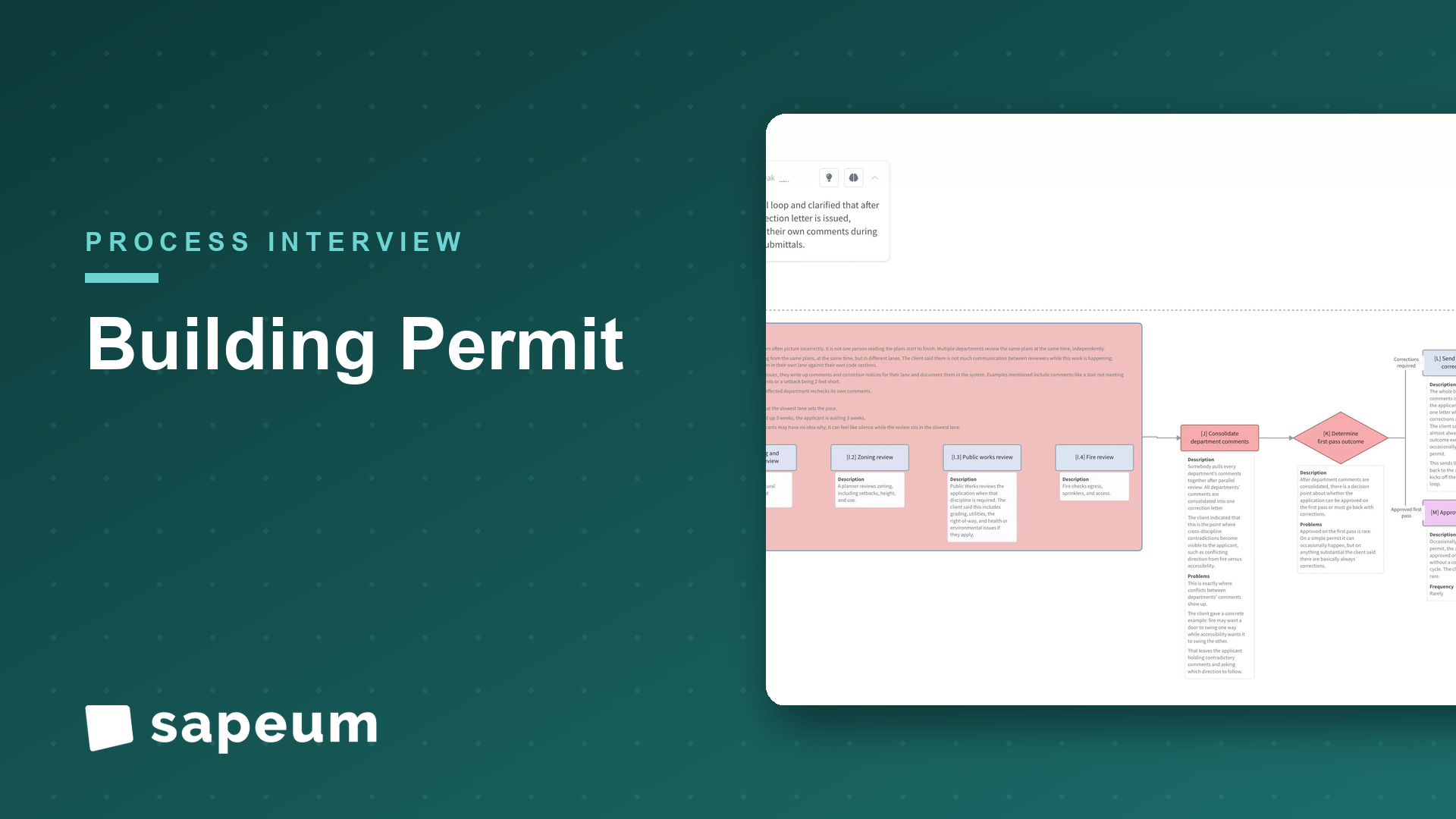
Process interview demo Video
Building permits: submission to certificate of occupancy
A plans examiner maps multi-department review, resubmit loops, inspections, and final sign-off.
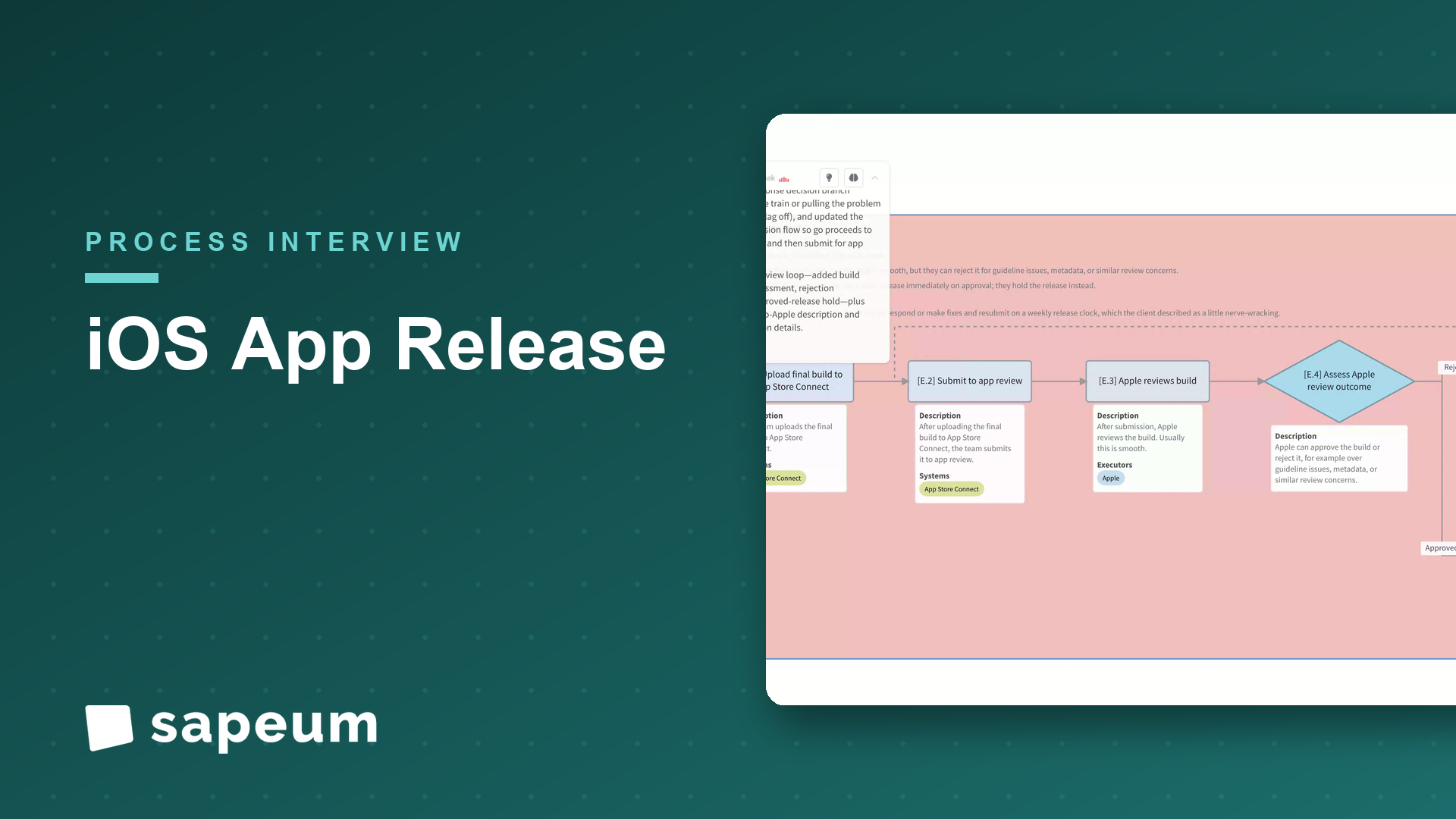
WatchA release manager at a consumer mobile company walks the weekly iOS release train end to end: cutting the branch and setting flag state, the bake-and-cherry-pick stabilization, go/no-go, App Review, phased rollout, and the live monitoring, kill switches, and hotfix drill that control blast radius on both sides of “ship.”
Interviewer: Thanks for doing this. I want to walk through your app release process end to end, the way you'd explain it to a new engineer joining the team. Wherever you want to start.
Release manager: Sure. The main thing to get your head around is that we ship on a train. We release the iOS app every week, on a fixed cadence, and that idea drives everything else. Think of it as a train, not a car. If your feature isn't ready when the train leaves, you don't hold the train, you just catch the next one. Let me start with cutting the release.
Interviewer: What does cutting a release actually mean?
Release manager: Every week, on schedule, we branch off main at a freeze point and bump the version. That branch is the release. Anything that was merged to main before the cut is on this train, and anything that lands after catches next week's. It sounds rigid, but that's the point. It takes the drama out of "can we squeeze this in," because the answer's just no, get it in next week. And at the same time, we set the flag state.
Interviewer: Feature flags?
Release manager: Right. A lot of what's technically in the build isn't actually switched on. Features that aren't ready, or that we want to roll out carefully, sit behind feature flags and ship dark. The code's in there but it's off. So part of cutting the release is deciding what's on and what's off for this one. That separation matters a lot later, and I'll come back to it.
Interviewer: Okay, you've got a release branch. Then what?
Release manager: Then CI builds the release candidate and we get it onto TestFlight, out to all the employees. We call that dogfooding. And then we stabilize, which is the part people underestimate. We call it the bake. Over a few days we run the automated suite, the unit and UI and snapshot tests, QA runs manual passes on the critical flows, and we're all keeping an eye on the dogfood crash-free rate and the feedback coming in. The build is basically marinating while we go looking for problems.
Interviewer: And when you find problems?
Release manager: We triage them. Every bug or crash that surfaces during the bake gets a call: is it a blocker or not. Most things are not blockers. They're real, but they can ride the next train, so we just log them. A blocker is something that has to be fixed before this ships. And for those, we don't merge the fix the normal way. We cherry-pick it. The fix goes into main, and then we cherry-pick just that one commit onto the release branch. We keep the release branch as clean and minimal as we can, only the specific fixes it needs.
Interviewer: Why cherry-pick instead of just merging?
Release manager: Because if you start merging main into the release branch, you pull in everything else that's landed since the cut, all the stuff that's supposed to be on next week's train. You'd be destabilizing the exact thing you're trying to stabilize. So cherry-picking is the discipline. It's surgical, one fix at a time. And every cherry-pick re-triggers the build and we re-bake it, because any change can introduce a new problem. So those middle steps kind of loop until the build goes quiet.
Interviewer: How do you decide it's ready?
Release manager: That's the go/no-go. The release manager, the eng leads, and the PM get together, sometimes literally a thread, sometimes a quick call, and we look at the crash-free rate against our threshold, any open blockers, and whether QA has signed off. If it's a go, we submit. If it's a no-go, we've got choices. We can slip the train a bit, or more often we just pull the problem feature, flip its flag off, and ship everything else on time. That's the flags saving us again.
Interviewer: Then it goes to Apple.
Release manager: Then we upload the final build to App Store Connect and submit it to App Review. Apple reviews it. Usually that's smooth, but they can reject. Some guideline thing, metadata, whatever, and then we're responding or fixing and resubmitting, which is a little nerve-wracking on a weekly clock. Once it's approved, here's a detail people miss: we don't let it auto-release on approval. We hold it. We want to choose when it actually goes live, not have Apple flip it the moment they approve at two in the morning.
Interviewer: So you control the actual launch.
Release manager: We control the launch, and even then we don't go straight to everyone. We use phased rollout. Apple ramps it over seven days, one percent of users, then two, five, ten, twenty, fifty, a hundred. So even after all the baking, the real world gets it gradually. And that's when the second half of the job kicks in, which is monitoring.
Interviewer: What are you watching?
Release manager: Crash-free users first and foremost, but also hangs and ANRs, the key product funnels. Is sign-in working, is the main flow converting like normal. Performance metrics, and even the App Store ratings and reviews, because users will tell you fast if something's broken. We've got dashboards and on-call watching all of it as the percentage climbs. And separately, we're ramping the feature flags, taking those gated features from zero up to a slice of users, and watching their specific metrics.
Interviewer: And those two ramps are independent.
Release manager: Completely independent, and that's the thing I wanted to come back to. The binary rollout is slow and gated by Apple. Once it's out there you can't pull it back, you can only roll forward. But a feature flag I control instantly. So if a flagged feature starts causing problems, I hit the kill switch, flip it off, and it's gone for everyone in seconds. No app update, no App Review, nothing. That's why we ship things dark and ramp them on flags. It turns a "we have to ship an emergency update" into a "we flipped a switch."
Interviewer: What if it's the build itself that's bad, not a flag?
Release manager: Then it's a harder call. If the metrics spike, crash rate jumps, a funnel craters, we halt the phased rollout, stop the ramp where it is so we're not exposing any more users. And then we decide on a hotfix: cut a hotfix build off the release branch, cherry-pick the fix, and request an expedited review from Apple to get it out fast. That's the fire drill, and it's exactly the situation the flags are designed to keep us out of when they can.
Interviewer: And if everything's healthy?
Release manager: If everything's healthy, the rollout just marches up to a hundred percent, and we close the release out in the tracker. And then we do a short retro. What slipped, did a flaky test waste everyone's morning, did a bug escape all the way to users and how. That feeds straight into the next train, because we're doing this again in a week.
Interviewer: So if you had to name the thing people get wrong about shipping a weekly app, what is it?
Release manager: They think the release is the moment you hit "release." Like that's the finish line. It's really the starting line. Two things are the actual work. One is the stabilization before, the bake, the blocker triage, the cherry-pick discipline. That's where quality is won or lost, and it's a lot of small judgment calls, not one big button. And two is everything after you ship: the monitoring, the phased ramp, and having the kill switches ready, because on iOS you can't un-ship a build. You can only roll forward or flag it off. So the skill isn't pushing the button. It's controlling your blast radius on both sides of it. And honestly, a lot of it is still humans watching dashboards and coordinating in Slack, so there's plenty we'd love to make smarter.
Interviewer: That's a great place to end it. Really helpful, thank you.
Release manager: Yeah, of course, happy to. It's a fun machine to run once you stop fighting the cadence.
Keep exploring
A plans examiner maps multi-department review, resubmit loops, inspections, and final sign-off.
Watch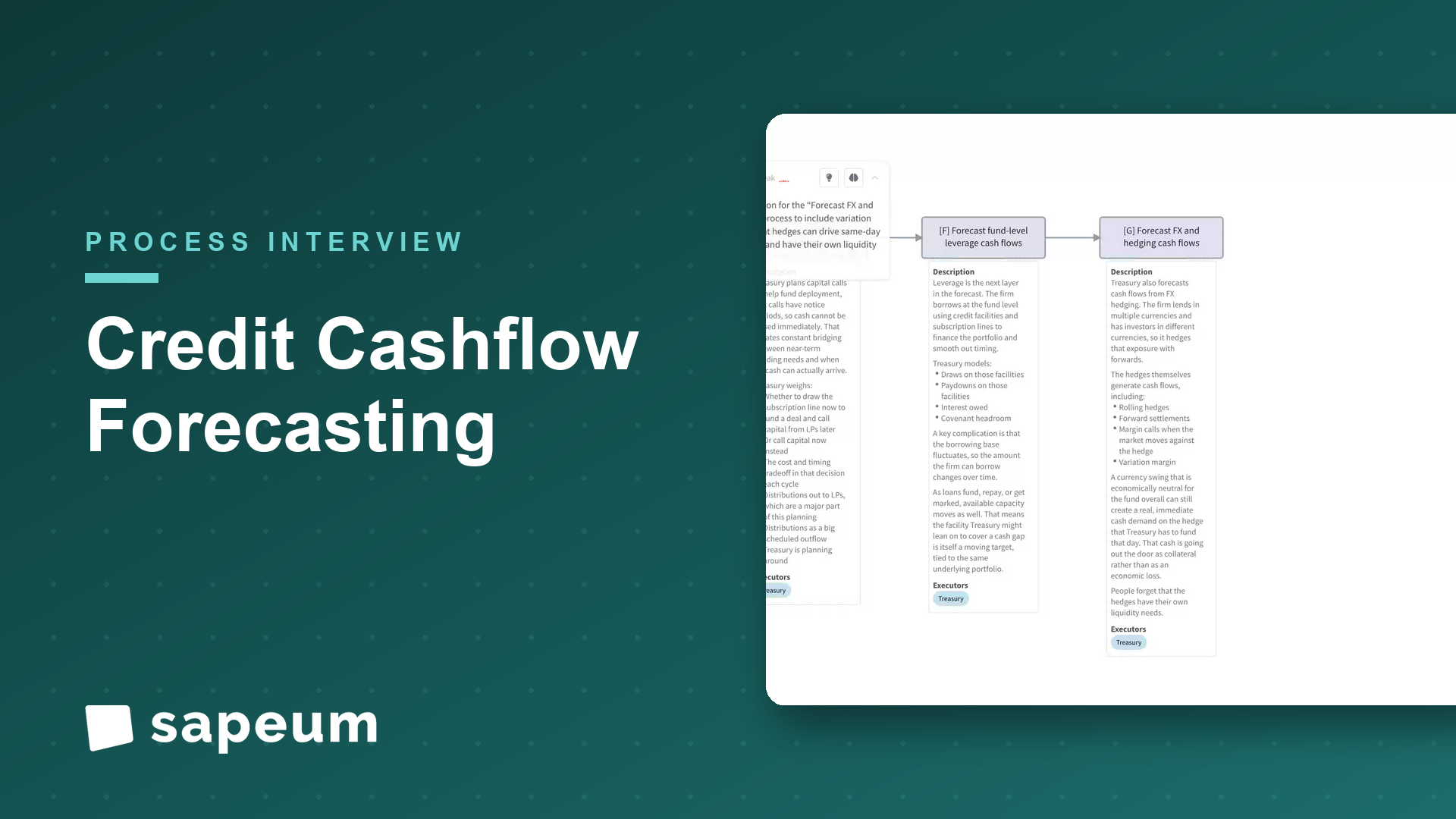
A treasury lead maps cash forecasting across funds and entities, and where it breaks down.
Watch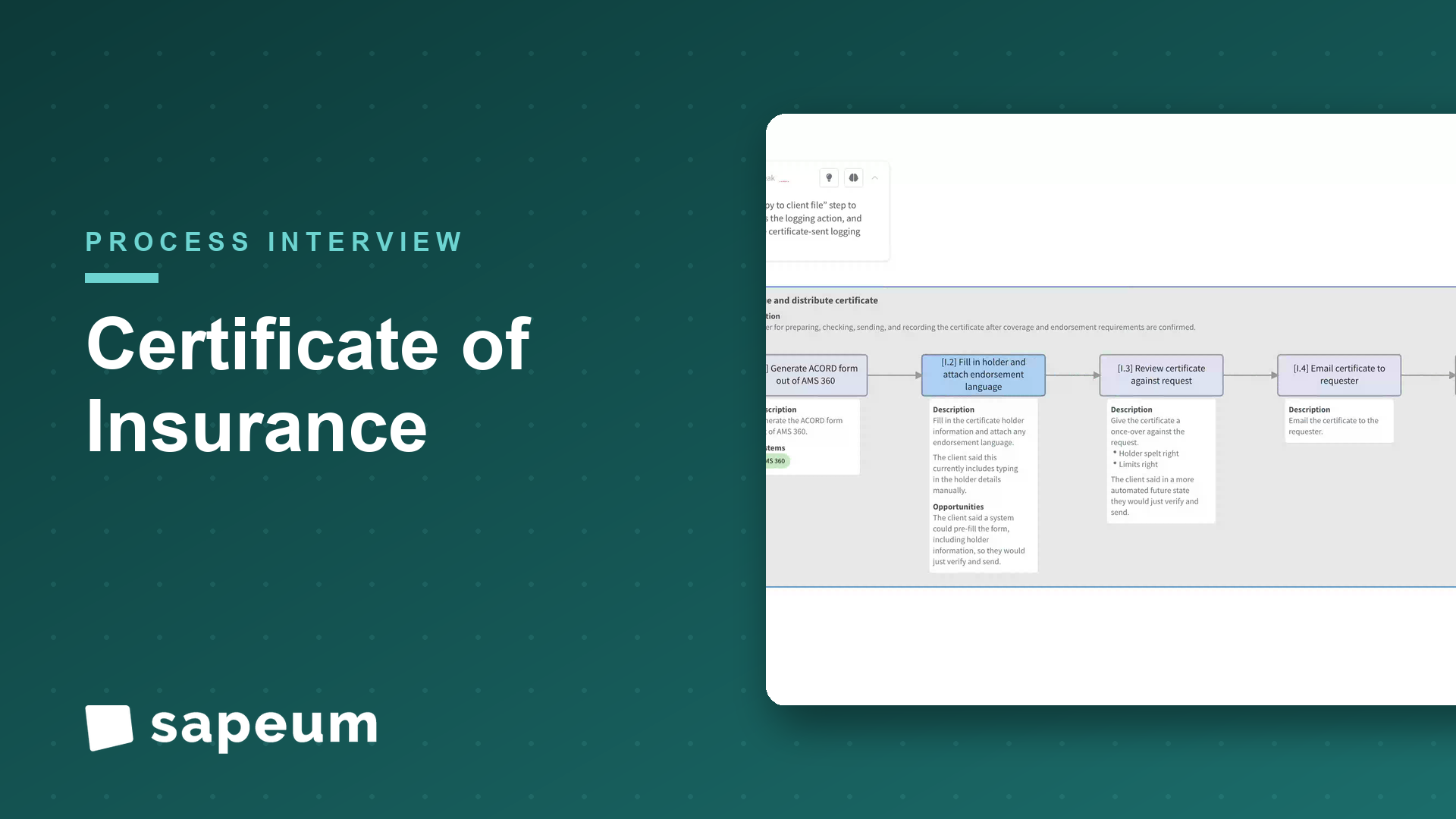
A brokerage account manager walks through COI issuance while the process maps itself; including the automation nobody had scoped.
WatchEverything you just saw runs on real workshops, not staged demos. Bring a process of yours and see for yourself.
Request Access